
Owning a home is one of life’s most rewarding milestones, but it also comes with a never-ending list of chores. Between checking your heating system before winter, clearing leaves out of gutters, and testing smoke alarms, it is easy to lose track of what needs attention. Before you know it, an overlooked maintenance task can sometimes turn into a much more expensive repair.
Most homeowners do not ignore home upkeep on purpose—they simply lack a central place to track everything. Sticky notes get lost, refrigerator papers get buried, and dedicated maintenance apps often demand expensive monthly subscriptions for features you will never use.
That is why building a home maintenance checklist Excel spreadsheet is such a practical solution. It gives you an organized, flexible, and completely free system to track your tasks, schedule seasonal upkeep, and monitor your household repair budget year after year.
Whether you are a first-time homebuyer or managing multiple rental properties, this guide will walk you through setting up an easy-to-use spreadsheet that keeps your property in great shape without the stress.
Ready to organize your home maintenance?
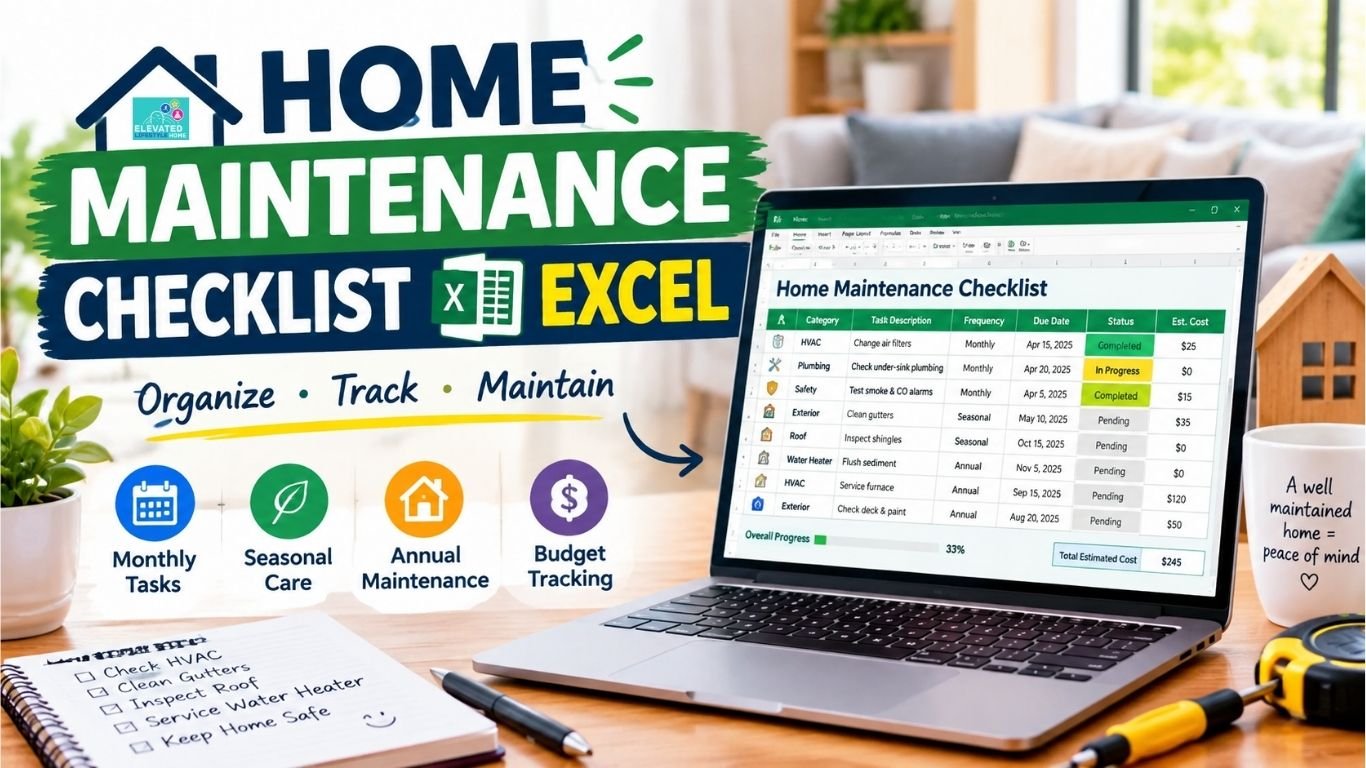
Download the Home Maintenance Checklist Excel Template and use it to track monthly, seasonal, and annual home maintenance tasks, due dates, status, estimated costs, and notes.
Why a Practical Maintenance Routine Matters

When daily life gets busy, home maintenance is usually the first thing that gets pushed aside. However, setting up a structured home maintenance tracker delivers immediate peace of mind and real financial savings:
Eliminates Weekend Guesswork: Instead of scrambling to figure out what needs fixing when something breaks, you follow a predictable, organized routine that spreads tasks evenly throughout the calendar year.
Stops Minor Issues from Becoming Expensive Disasters: A clogged downspout that overflows during a heavy rainstorm can easily rot exterior siding or flood your basement. Catching minor problems early can help prevent them from becoming larger and more expensive repairs.
Protects Long-Term Property Value: When it comes time to appraise or sell your home, buyers notice deferred maintenance immediately. A well-documented maintenance history can help show that important systems and repairs have been monitored over time.
Saves Energy and Keeps Utility Bills Lower: Simple tasks like wiping down refrigerator coils, servicing your air conditioner, and checking window weatherstripping help your equipment run efficiently without wasting electricity.
For a deeper look at why regular heating and cooling maintenance matters, read our guide on why HVAC maintenance is important.
Why Use Excel for Home Maintenance Tracking?
While mobile apps and printable refrigerator sheets are popular, using a digital spreadsheet offers distinct practical advantages:
- 100% Customizable Layout: Every home is unique. A modern condo does not need a sump pump inspection, while an older house might need regular septic checks. You can add or remove rows instantly.
- Built-in Expense Tracking: You can easily add columns to track estimated costs versus actual repair spending, helping you budget accurately for the year ahead.
- No Ongoing Subscription Fees: Dedicated maintenance apps often lock useful features behind paywalls. An Excel sheet gives you direct control over your maintenance records without adding another recurring subscription.
- Shared Cloud Access: Save your workbook to Microsoft OneDrive or Google Drive, so your spouse or family members can open it from their phones, check off tasks, and update progress in real time.
Key Maintenance Sections to Include in Your Tracker

To keep your spreadsheet organized and easy to navigate, group your tasks into three clear timelines:
1. The Monthly House Maintenance Checklist
Your monthly house maintenance checklist focuses on quick safety inspections, airflow clearance, and leak prevention:
- Test Smoke and Carbon Monoxide Detectors: Press the test button on each unit to verify batteries and audible alarm sensors.
- Inspect HVAC Air Filters: Check the intake filter on your furnace or heat pump. If you’re unsure how to check it, see our guide on how to check your HVAC filter.
- Check Under-Sink Plumbing: Look under bathroom vanities and kitchen sinks with a flashlight to catch slow pipe drips or damp cabinet floors early.
- Clean the Range Hood and Disposal: Degrease the metal stove hood filter and freshen your garbage disposal with ice cubes and citrus peels.
2. The Seasonal Home Maintenance Checklist
Your seasonal home maintenance checklist aligns your home care with changing weather demands:
- Spring (Exterior Revival): Inspect roof shingles for winter wind damage, clean gutters and downspouts, wash exterior window screens, and schedule your air conditioner startup check.
- Summer (Outdoor Living & Grounds): Inspect wooden decks for splintering or rot, test sprinkler heads for misaligned spray patterns, and check exterior paint for peeling along sunny siding.
- Fall (Winter Heating Prep): Clear autumn leaves from gutters, inspect furnace burners and ignition elements, disconnect and store garden hoses, and seal breezy gaps around exterior doors.
- Winter (Freeze Protection): Check exposed water pipes in unheated basements or crawl spaces for pipe insulation wrap, test your basement sump pump float, and inspect attic insulation for cold drafts.
3. The Annual Home Maintenance Checklist
Your annual home maintenance checklist covers deep inspections and major mechanical servicing:
- Flush the Water Heater: Follow your water heater manufacturer’s instructions for checking or flushing sediment from the tank. For other major appliance care, see our appliance maintenance checklist for a more organized routine.
- Clean Dryer Ductwork: Pull the dryer away from the wall and brush out lint buildup from the full length of the metal exhaust duct.
- Comprehensive Roof and Attic Inspection: Check for damaged flashing around chimneys and vents, and verify attic ventilation is free of pest nests.
- Inspect the Foundation Perimeter: Walk around the exterior base of your home to look for new hairline settling cracks or pooling rainwater near the slab.
Step-by-Step: Setting Up Your Home Maintenance Checklist in Excel
Setting up your home maintenance tracker in Excel can take less than fifteen minutes. You do not need complicated spreadsheets with hundreds of rows—a clean, straightforward layout is much easier to maintain over time.
1. Label Your Core Columns
Open a blank spreadsheet and set up these seven essential column headers across Row 1:
| Column | Header | Purpose | Example |
| A | Category | Property area or system | Exterior, Plumbing, HVAC, Roof |
| B | Task Description | Exact maintenance action needed | Clean out gutters & inspect downspouts |
| C | Frequency | How often to do it | Monthly, Seasonal, Twice a Year, Annually |
| D | Target Month / Due Date | Scheduled completion date | October 15, 2026 |
| E | Status | Current task progress | Not Started, In Progress, Completed |
| F | Estimated Cost | Budgeted supplies or contractor fee | $45.00 |
| G | Notes & Service Contacts | Helpful details, part sizes, phone numbers | 16x25x1 filter; Call Mike’s Heating |
Example Blueprint: Ready-to-Use Master Table
Here is how your home maintenance checklist Excel table should look once you start filling in your routine chores:
| Category | Task Description | Frequency | Target Due Date | Status | Est. Cost | Notes |
| Roof & Attic | Inspect roof shingles & flashing | Annually | April 10 | Pending | $0.00 | Use binoculars from the ground |
| Exterior | Clean gutters and clear downspouts | Twice a Year | May / October | Pending | $35.00 | Scoop wet leaves; flush with garden hose |
| Safety | Test smoke & carbon monoxide alarms | Monthly | 1st of every month | Completed | $15.00 | Replace 9V batteries once a year |
| HVAC | Replace furnace and A/C intake filters | Every 2 to 3 Months | Quarterly | In Progress | $25.00 | Filter size: 16x25x1 (MERV 8) |
| Heating | Schedule annual furnace tune-up | Annually | September 15 | Pending | $120.00 | Licensed technician safety check |
| Plumbing | Flush bottom sediment from water heater | Annually | November 5 | Pending | $0.00 | Connect garden hose to drain valve |
If you don’t want to build the tracker from scratch, you can download our Home Maintenance Checklist Excel Template and customize it for your own home.
How to Automate Your Excel Checklist (Without Writing Complex Code)

You do not need to know computer programming or complicated macros to keep your sheet functional. Two simple built-in Excel features will make updating your checklist quick and effortless:
1. Add Drop-Down Status Menus
Avoid typing “Done” or “Pending” over and over. Setting up a drop-down menu keeps your sheet clean and uniform:
- Click and drag to highlight all the cells in your Status column (for example,
E2:E50). - On Excel’s top ribbon, click the Data tab and select Data Validation.
- Under the Allow menu, choose List.
- In the Source box, type:
Pending, In Progress, Completed(separated by commas). - Click OK. You will now see a clickable arrow next to every task cell.
Microsoft also provides a step-by-step guide to creating a drop-down list in Excel if you want to explore additional Data Validation options.
2. Auto-Highlight Overdue Tasks with Conditional Formatting
Having past-due chores automatically light up in soft red helps you catch maintenance tasks before small oversights turn into bigger headaches:
1. Highlight your Target Due Date column, such as
D2:D50.2. Go to Home > Conditional Formatting > New Rule.
3. Choose “Use a formula to determine which cells to format.”
4. Enter this formula:
=AND($D2<TODAY(),$E2<>"Completed",$D2<>"")5. Choose a light red fill and click OK.
This rule highlights past-due tasks while ignoring completed tasks and blank date cells.
Microsoft confirms that Excel supports formula-based conditional formatting rules and using TODAY() to compare dates.
3. Track Your Annual Repair Budget
At the bottom of your sheet, add two quick formulas to keep tabs on your household spending:
=SUM(F2:F50)Shows your total projected maintenance budget for the year.- Compare this number against your actual receipts so you always know where your home improvement budget is going.
Digital Spreadsheet vs. Printable Checklist: Which Works Better?

Both formats have their place depending on how you like to manage your household:
| Feature | Excel / Google Sheets Tracker | Printed Paper Checklist |
| Accessibility | Accessible on phones, laptops, and tablets via cloud storage | Fixed to your refrigerator or bulletin board |
| Family Collaboration | Multiple family members can update tasks in real time | Requires someone to manually cross tasks off with a pen |
| Automated Alerts | Flags overdue dates and tallies maintenance costs automatically | Static; no reminders or automated calculations |
| Best For | Organizing year-round schedules, budgets, and contractor notes | Quick visual reminders for daily or weekly kitchen chores |
Pro Tip: You can always maintain your master records in Excel, sort by the current season, and print out a single sheet to clip onto your laundry room or workshop clipboard.
Using Your Checklist for Pre-Purchase Home Inspections
An organized spreadsheet is not just for ongoing homeowner chores—it is also an invaluable tool when buying or selling a house.
If you are walking through an open house or preparing for an official appraisal, adapt your sheet into an inspection checklist to review these six critical structural areas:
- Roof & Drainage: Shingle curling, moss buildup, chimney flashing gaps, and downspout extensions directing water away from walls.
- HVAC Systems: Age of the furnace and outdoor air conditioner condenser, visible rust on heat exchangers, and last service date labels.
- Plumbing Network: Water pressure in upper bathrooms, evidence of slow leaks under sinks, corrosion near the water heater base, and sewer line drainage.
- Electrical Panel: Check whether circuits are clearly labeled and note any visible concerns around breakers, grounding, or GFCI outlets.
For electrical issues you don’t understand or anything that looks unsafe, consider a professional inspection and see our electrical home safety inspection guide - Windows & Weatherproofing: Smooth window operation, functional locks, intact double-pane seals (no internal fogging), and flexible exterior caulking.
- Foundation & Grading: Sloping ground carrying rainwater away from the foundation perimeter, and checking basement walls for horizontal settling cracks.
Keeping an itemized log of these systems can help you understand the property’s condition, identify potential upcoming costs, and prepare questions for the seller or inspector.
Comparing Your Options: Excel vs. Google Sheets vs. Maintenance Apps
Choosing the right tool comes down to how your household likes to stay organized. Here is how Excel compares to common alternatives:
Excel vs. Google Sheets
Both spreadsheet tools handle home maintenance tracking brilliantly, with slightly different strengths:
- Microsoft Excel: Best if you prefer working offline, want advanced data formatting, or already use Microsoft Office. Your file stays completely private on your local hard drive unless you choose to sync it to OneDrive.
- Google Sheets: Ideal for busy households where multiple family members need instant access from Android or iOS phones without worrying about file versions. Any update your spouse makes while standing in the hardware store syncs instantly.
Spreadsheets vs. Dedicated Home Maintenance Apps
Home management apps often look sleek, but they frequently come with hidden headaches:
- Subscription Fatigue: Some dedicated home-maintenance apps use subscription-based pricing, while a spreadsheet can provide a simpler option without adding another recurring service.
- Data Ownership & Longevity: If you rely on an app for your maintenance records, changes to its features or availability can affect how you access those records.
A spreadsheet gives you more direct control over your maintenance data, and you can keep backup copies locally or in cloud storage.
4 Common Maintenance Mistakes Homeowners Make (And How to Avoid Them)
Even with a reliable checklist, it is easy to stumble into common home care traps. Here is how to keep your routine stress-free:
- Overloading Your First Spreadsheet: When setting up a new tracker, resist the urge to list seventy minor tasks on day one.
Starting with too many chores leads to checklist fatigue. Begin with your core monthly safety checks and four major seasonal chores, then add specific items as you get comfortable. - Treating Due Dates as Rigid Emergencies: Home care is about steady consistency, not perfection. If an annual gutter clean slips by a weekend because of a family gathering, simply shift the date forward. The goal is keeping track, not stressing out.
- Skipping the “Notes” Column: Always record key details like HVAC filter dimensions (e.g., 16x25x1), water shutoff valve locations, and serial numbers of major appliances. Having these specs in your phone saves frantic trips back and forth to the basement.
- Ignoring Small Water Stains: A faint brown circle on a ceiling drywall sheet or a minor moisture trickle under a bathroom vanity rarely fixes itself.
Catching these early through your monthly plumbing sweep stops minor leaks before they rot wood framing or encourage mold.
Power Tips for Getting the Most Out of Your Spreadsheet

- Keep Cloud Backups: If you save your workbook locally, keep an automatic backup copy in Google Drive, Dropbox, or OneDrive. Having access on your mobile phone while standing in the home improvement store aisle makes buying the right filter or plumbing fitting foolproof.
- Use Quick Table Filters: Use Excel’s built-in filter buttons (
Ctrl + Shift + Lon Windows orCmd + Shift + Fon Mac) to view only “Pending” tasks or filter exclusively by “Spring” chores when the weather warms up. - Track Contractor Warranties: When a professional replaces your water heater or repairs your roof, snap a photo of the receipt, paste the warranty timeframe into your notes column, and note the installer’s phone number for future reference.
Who Benefits Most from an Excel Home Maintenance Plan?
- First-Time Homeowners: Moving from a rental where landlords handled repairs to owning a house can feel overwhelming. A structured list eliminates the guessing game.
- DIY Landlords & Property Managers: Keeping a separate tab for each rental property helps track tenant maintenance calls, monitor seasonal gutter cleaning, and maintain clear records for tax deductions.
- Home Sellers Preparing for Market: Having a completed five-year maintenance log gives prospective buyers confidence that the home was thoughtfully cared for, making home appraisals and closing negotiations much smoother.
Final Thoughts: Take Control of Your Home Care Today
Preventive maintenance is not about spending every sunny Saturday holding a wrench or climbing ladders. It is simply about giving your house the small, regular check-ins it needs to keep your family safe and comfortable.
Building a home maintenance checklist Excel file can be a quick process, but it can become useful the first time it helps you catch an overdue filter change or another small maintenance task before it becomes a bigger problem.
Open a blank sheet today, enter your next three seasonal chores, and give your household the peace of mind it deserves.
FAQs About Home Maintenance Checklist Excel
Q1: What should be included in a home maintenance checklist Excel template?
A practical Excel checklist should include columns for Category (Plumbing, HVAC, Exterior), Task Description, Frequency (Monthly, Seasonal, Annual), Target Due Date, Status (Pending, Completed), Estimated Cost, and a Notes column for filter sizes or technician phone numbers.
Q2: Can I use Google Sheets instead of Microsoft Excel for my checklist?
Yes, absolutely. Google Sheets works seamlessly with the exact same column layout and formulas. It stores your file safely in the cloud for free, updates in real time, and lets your entire family check off chores directly from their smartphones.
Q3: How much money should I budget annually for home maintenance?
There is no single maintenance budget that works for every home. A commonly cited budgeting guideline is to set aside around 1% of a home’s value per year, but actual costs can vary depending on the home’s age, size, location, systems, and condition.
Q4: How do I make Excel highlight overdue home maintenance chores automatically?
Highlight your Due Date column, open the Conditional Formatting menu from the Home tab, select Highlight Cells Rules, click Less Than, and type =TODAY(). Excel will automatically highlight any task that has passed its scheduled deadline in light red.
Q5: What are the most important tasks on a monthly house maintenance checklist?
The most critical monthly checks are replacing or cleaning HVAC air intake filters, testing smoke and carbon monoxide detector alarm buttons, checking under bathroom and kitchen sinks for plumbing drips, and rinsing out the dishwasher food filter.
Q6: Can a DIY home maintenance checklist replace a professional home inspection?
No. A DIY checklist is ideal for regular preventive upkeep and seasonal cleaning. However, professional home inspectors use specialized diagnostic gear (like thermal moisture cameras and circuit analyzers) necessary for official real estate transactions, insurance evaluations, and major structural assessments.
Q7: Why is a seasonal home maintenance checklist better than a regular to-do list?
Seasonal checklists align home care tasks with local weather patterns. Servicing your air conditioner in early spring or winterizing exterior hose faucets in late autumn prevents emergency breakdowns, high seasonal utility bills, and expensive freeze damage before bad weather hits.
Q8: What is the biggest advantage of using a spreadsheet over a home maintenance app?
One major advantage is customization. A spreadsheet can be adapted to your home’s systems, tasks, due dates, costs, and notes, while an Excel file can also be saved locally or backed up to cloud storage.
Download the Home Maintenance Checklist Excel TemplateReady to Organize Your Home Maintenance?
Start with the simple spreadsheet structure in this guide, customize it for your home, and keep your maintenance tasks, due dates, costs, and notes in one place.

