
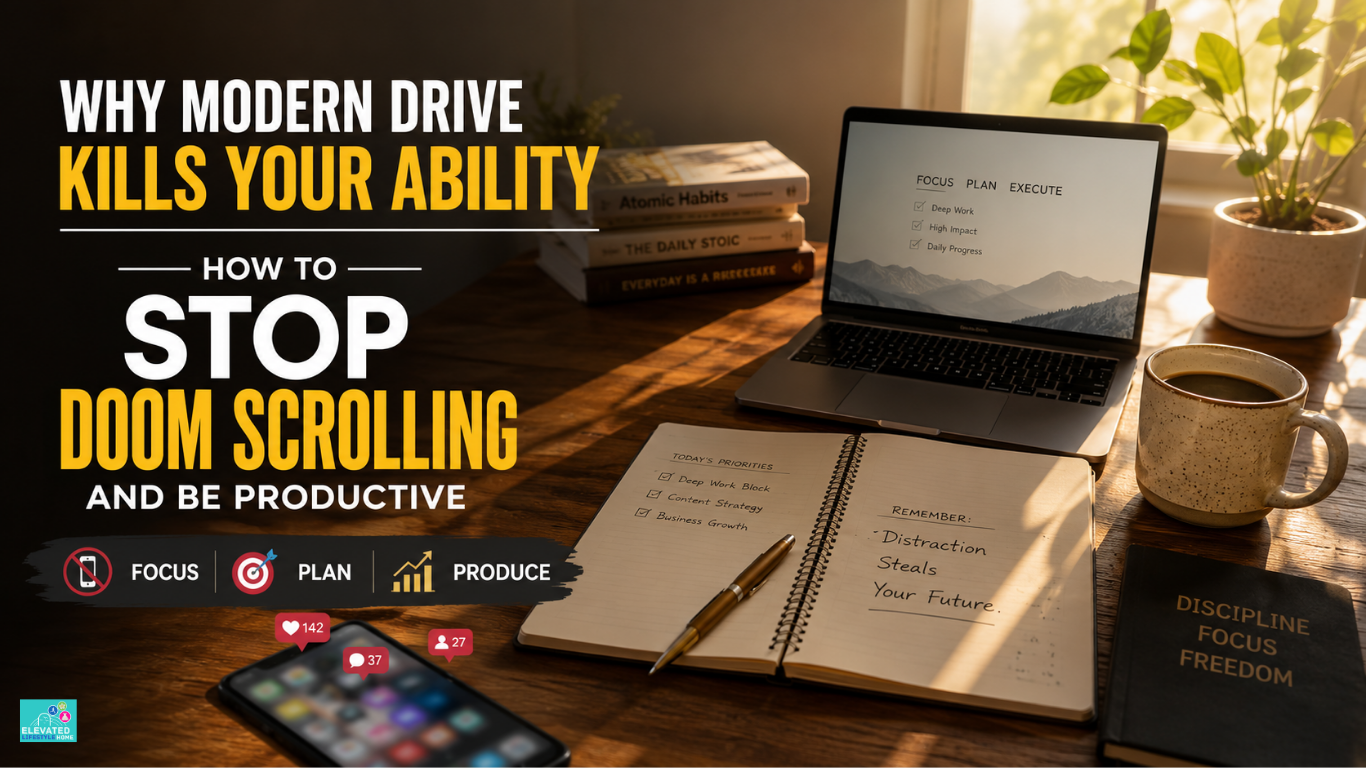
A productive workspace does not have to be complicated. You can have a good desk, a comfortable chair, and everything you need for work, but your phone can still pull your attention away.
The problem is that a well-organized workspace does not automatically protect you from digital distractions. You might plan your day carefully and still lose 20 or 30 minutes to an endless social media feed.
If you need long periods of focused work, your attention is one of your most valuable resources. Losing part of your morning to mindless scrolling can leave you frustrated, behind on your work, and wondering where the time went.
Learning how to stop doom scrolling and be productive is not about quitting social media completely. It is about deciding when you use it, what you use it for, and when it needs to stay out of your way.
Disclosure: As an Amazon Associate I earn from qualifying purchases. Some links in this article are paid affiliate links, which means I may earn a commission if you make a qualifying purchase through them, at no additional cost to you.
Why Is Social Media Ruining My Productivity

Social media usually becomes a problem in small moments. You open an app during a difficult task, tell yourself you will check it for a minute, and then get pulled into an endless feed.
One quick check can turn into several minutes of scrolling, especially when you are bored, tired, stressed, or avoiding a task that feels difficult.
If you keep wondering why is social media ruining my productivity, start by looking at what happens just before you open the app. The trigger is often boredom, frustration, stress, or simply a habit of checking your phone whenever work slows down.
Why Endless Feeds Are So Easy to Keep Scrolling
Social media platforms use features such as personalized recommendations, infinite scrolling, notifications, and autoplay to keep content coming without a natural stopping point.
That does not mean every scrolling session is a serious problem. But when you are already tired, bored, or avoiding a difficult task, having another piece of content available with one swipe can make it much easier to keep scrolling.
You do not need a complicated neuroscience explanation to understand the habit. If there is always something new to watch, read, or react to, returning to a demanding work task can feel less appealing.
Attentional Fatigue and the Cost of Constant Switching
When you switch from a demanding task to a phone notification and then back again, you have to remember what you were doing and rebuild your focus.
A quick phone check may seem harmless, but repeated interruptions can make it harder to stay with complex work. The more often you switch between work and social media, the easier it becomes for a short break to turn into a longer scrolling session.
Instead of relying on willpower every time your phone lights up, it is often easier to reduce the number of interruptions in the first place.
Why Endless Scrolling Can Become a Habit
Scrolling can become habitual, especially when it is an easy way to fill a quiet moment, avoid a difficult task, or find something interesting.
Because social media is easy to open and constantly offers new content, you may find yourself scrolling before you have even decided what you want to do.
Quick Takeaway
The easier an app is to access, the easier it can be to check it automatically. Adding a little friction—such as keeping your phone out of reach, closing social media tabs, or using a website blocker—can help interrupt the habit.
You do not need perfect self-control. A better approach is to make distracting habits slightly harder and focused work slightly easier.
How to Stop Doom Scrolling and Be Productive: The Core Realignment
Breaking the scrolling habit does not require quitting social media. Start by making distractions less convenient and making your work easier to return to.
- Environmental Control: Keep your phone away from your main work area.
- Intentional Friction: Log out, close distracting tabs, or use a blocker when you need uninterrupted work.
- Scheduled Social Media: Decide when you will check social media instead of opening it whenever work feels difficult.
The goal is simple: make it easier to start and continue your work than to disappear into a social media feed.
Overcoming the Invisible Friction: How to Stop Scrolling Social Media and Work

The first step is noticing when you usually reach for social media. For many people, the urge appears when a task becomes difficult, boring, or frustrating. Scrolling gives you an easy way to avoid that uncomfortable feeling for a few minutes.
If you want to learn how to stop scrolling social media and work, do not depend on willpower alone. Put a little distance between yourself and the app. Keep your phone away from your keyboard, close social media tabs, and use a blocker during your most important work periods.
The goal is not to make social media impossible to use. It is to stop an automatic check from turning into an hour of scrolling.
Make Your Phone Less Convenient During Work
One of the easiest ways to reduce phone checking is to move your phone away from your immediate workspace.
If your phone sits beside your keyboard, checking it takes almost no effort. Try placing it on a shelf, in a drawer, or on a phone stand away from your main work area.
You do not need to hide your phone for the entire day. Start with your most demanding work block and see whether keeping it a few feet away reduces the urge to check it.
A simple phone stand can give your phone a fixed place away from your keyboard while keeping it easy to access when you actually need it.
View on Amazon (paid link)Designing a space that supports deep focus also means reducing physical clutter. Learn how to organize your desk for productivity and create a workspace that makes focused work easier.
Keep Work and Scrolling Separate
Many people use the same computer for focused work and entertainment. That is not automatically a problem, but it can make distraction easier when social media is always open in another tab.
During focused work, keep social media tabs closed. If separate browser profiles help you, use one for work and another for personal browsing.
You do not need a completely separate device. The goal is simply to make the difference between “I am working” and “I am scrolling” clearer.
Quick Takeaway
Decouple your creative production from your digital intake. Use your primary computer setup exclusively for deep output, and relegate passive ingestion to an entirely separate, secondary device.
By drawing a strict boundary between the tools you use to build your legacy and the tools you use for entertainment, you naturally program your mind to enter a deeply focused state the moment you sit down at your main desk layout.
Replacing Impulsive Micro-Habits With Low-Stimulus Substitutes
When you encounter a difficult moment in a project, the physical urge to move your hands or change tasks is completely normal. Instead of reaching for a screen to fill that micro-break, introduce low-stimulus, physical objects into your immediate environment.
Keep a pen, small notebook, or another simple object nearby if you tend to fidget during difficult tasks. The goal is to give yourself something physical to reach for without opening another screen.
These simple alternatives can give you a short mental break without turning that break into another scrolling session.
The Focus Calibration Loop: Reclaiming Your Workspace Autonomy
To make attention management entirely seamless, you need a reliable structure that turns focus into an effortless daily habit.
The Focus Calibration Loop is a custom behavioral framework designed to step down mental overstimulation without relying on exhausting willpower.
Instead of treating phone isolation as a restrictive punishment, this protocol treats deep focus as a calming, premium asset for your day.
Phase 1: Start With a Focused Work Block
For your first important work block, keep social media, unnecessary email, and non-essential notifications out of the way. Start with the task that requires the most attention instead of beginning the day by reacting to new updates.
Building a distraction-free morning becomes much easier when you follow a consistent routine. Read our complete guide to creating a productive morning routine for practical habits that keep your focus intact.
Phase 2: Choose Your Main Task
Before opening your browser tabs, write down the single most important task you want to complete that day. Keep it visible while you work so you always have a clear next step.
A simple productivity planner or notebook can make this easier because you can write down your main task before opening social media, email, or other distractions.
View on Amazon (paid link)Once you have your main task in front of you, start with the smallest clear step instead of waiting until you feel completely focused.
Phase 3: Do a Quick Midday Check
Around the middle of your workday, take two minutes to check how your focus is going. Ask yourself what you are working on, what is distracting you, and what you want to finish next.
If you notice that you have been checking social media repeatedly, put your phone away and return to one clearly defined task.
How to Use Social Media Productively as a Professional Asset
Modern platforms do not have to be a continuous drain on your internal focus. When handled with deliberate intent, these networks switch from a source of cognitive fatigue into a powerful engine for your career progression.
The secret lies in rewriting your role from a passive consumer into an active collector of intellectual capital.
How to use social media productively without losing deep focus
To use social media productively, give yourself a specific reason for opening the app and a clear time limit. For example, you might spend 10–15 minutes researching an industry update, replying to messages, or publishing a post.
A simple focus timer can help you keep these short sessions within the limit you set. Start the timer before opening the app, complete the specific task you came for, and close it when the timer ends.
View on Amazon (paid link)The goal is not to avoid social media completely. It is to make sure a useful work-related check does not turn into an unplanned scrolling session.
Use Social Media With a Specific Purpose
When you open social media with a specific purpose—such as publishing a post, replying to a client, checking an industry update, or researching a topic—you are using the platform differently from simply scrolling through the feed.
The important part is knowing what you came to do and leaving when that task is finished.
Clean Up Your Social Media Feeds
Follow accounts that are genuinely useful to your work and mute or unfollow accounts that repeatedly pull you into content you do not need.
You do not need to make your feed completely educational. Just remove the accounts that consistently turn a quick check into a long scrolling session.
How to Stay Focused on Work Without Phone Distractions

Staying focused on work often becomes easier when your phone is not within easy reach. When you are deeply immersed in analyzing data, writing a strategy, or designing a framework, a single incoming message buzz can completely derail your train of thought.
Developing clear rituals to fully separate your smartphone from your deep-work block ensures your momentum remains completely unbroken.
If your home environment feels distracting, improving your overall workspace can also make a difference. Read our guide on creating a productive home office.
Simple Phone Boundaries During Work
You do not need complicated phone controls to protect your focus. Start by keeping your phone out of reach during the work blocks that require the most attention.
If you use an iPhone, Focus Modes can help reduce unnecessary notifications during selected times.
For longer focus periods, you can also leave your phone in a drawer, on a shelf, or in another room. The goal is simple: make checking your phone less convenient while you are working.
Eliminating Phantom Vibration Syndrome and Digital Urges
Many professionals experience the strange sensation of feeling their phone buzz in their pocket, even when the device is sitting on a shelf across the room.
Some people experience phantom vibrations—the feeling that their phone buzzed when it did not. If this happens, reducing how often you check your phone and keeping it out of reach during focused work may make the habit easier to break.
Some people experience phantom vibrations—the feeling that their phone buzzed when it did not. If this happens, reducing how often you check your phone and keeping it out of reach during focused work may make the habit easier to break.
Common Habits That Keep You Stuck in the Scroll Cycle
Even when you are fully committed to protecting your time, subtle adjustments in your everyday workflow can unintentionally invite distraction back to your desk.
True attention management requires auditing these hidden habits before they cause silent executive fatigue.
The Hidden Trap of Using Infinite Feeds for Work Inspiration
Calling scrolling “research” does not automatically make it useful. If you open a feed without a specific question or stopping point, it is easy to spend much longer than planned.
If you need information for work, decide what you are looking for before opening the platform and leave once you have found it.
Why Phone Breaks Can Turn Into Scrolling Sessions
Breaks are useful, but a social media break can easily become another screen session. If you want your break to help you return to work, try walking, stretching, getting water, or simply looking away from the screen for a few minutes.
A break does not have to be productive. It just needs to help you step away from the task without replacing one source of screen time with another.
Simple Software Boundaries That Can Help

Willpower is not always enough when distracting websites and apps are only one click away. Simple software limits can add another layer of protection during focused work.
- Use a website blocker: Tools such as Freedom or Cold Turkey can help block distracting sites during a focus period.
- Simplify your phone: Move social apps away from your home screen and turn off non-essential notifications.
- Try greyscale if it helps: A monochrome display may make your phone less visually appealing, but treat it as an optional experiment rather than a guaranteed solution.
True workspace autonomy should not require exhaustive daily willpower. If you are ready to eliminate mental distraction, repair your attention span, and build a bulletproof morning routine, download our complimentary tool.
Conclusion: Make Social Media Work for You
Conclusion: Make Social Media Work for You
Social media does not have to disappear from your life to stop controlling your workday. Decide when you want to use it, give yourself a reason before opening an app, and make scrolling a little harder during focused work.
Keeping your phone out of reach, using a timer, and writing down your main task can make a surprisingly big difference.
If you lose 20 minutes to scrolling, do not let that turn into a lost afternoon. Close the app, choose one small task, and start again.
That is the practical way to stop doom scrolling and be productive without quitting social media.
FAQs on How to Stop Doom Scrolling and Be Productive
How to stop doom scrolling and be productive when working entirely from home?
Keep your phone away from your workspace during focused work periods. Set specific times to check social media, and use a short physical break—such as walking, stretching, or getting water—when you feel the urge to scroll.
Why is social media ruining my productivity even when I only check it for a few minutes?
A quick check can easily become a longer session, especially on feeds built around continuous recommendations and scrolling. Even when you stop quickly, the interruption can make it harder to return to a demanding task.
How to stop scrolling social media and work when you face a difficult professional task?
Notice the moment you want to escape from the task. Put your phone out of reach, block the distracting app or website for a set period, and reduce the task to one small next step. Starting with five or ten focused minutes can be easier than trying to finish everything at once.
How to stay focused on work without phone alerts constantly breaking your deep-work rhythm?
Turn off non-essential sounds, banners, and lock-screen alerts during focused work. Keep your phone out of sight and allow only genuinely important calls or messages through when necessary.
How can I use social media productively without getting distracted?
Give yourself a specific purpose before opening the app. For example, publish a post, reply to messages, check a professional update, or research a specific topic. When that task is finished, close the app instead of moving into the general feed.
How do I stop scrolling and get back to work when I feel distracted?
Start with a short screen-free break instead of opening social media. Take a walk, stretch, drink water, or sit somewhere away from your phone. Then return to work with one clearly defined task rather than trying to restart everything at once.
How can reducing social media distractions help me get more work done?
Reducing unnecessary scrolling gives you more uninterrupted time for important tasks. You may find it easier to finish projects, stay organized, and give demanding work your full attention.
Why does endless scrolling make it harder to get back to work?
Endless scrolling gives you a constant stream of new content, which can make it easy to stay on the app longer than planned. When you return to a difficult task afterward, you may need some time to rebuild your focus. Keeping social media out of your work blocks can make that transition easier.
How can I prevent falling into the digital scroll trap first thing in the morning?
Establish a strict non-negotiable window by keeping your phone completely powered down or outside your bedroom for the first hour of the day. Spend this morning time engaging in an analogue routine like reading, journaling, or stretching to set a calm neurological baseline before consuming digital inputs.
What is the fastest way to recover my focus after accidentally doom scrolling for an hour?
If you realize you have been scrolling for an hour, close the app instead of trying to “fix” the lost time. Stand up, get some water, take a short break away from the screen, and choose one small task to restart with. Do not wait until you feel perfectly focused—starting with five or ten minutes is often enough to get moving again.
We want to hear from you: Which specific digital notification or workspace habit currently creates the most friction in your deep-work blocks? Share your daily focus rituals and focus strategies in the comments below.
